| build-aux | ||
| data | ||
| docs | ||
| src | ||
| .gitignore | ||
| .gitlab-ci.yml | ||
| Cargo.lock | ||
| Cargo.toml | ||
| LICENSE | ||
| meson.build | ||
| meson_options.txt | ||
| README.md | ||

Helvum is a GTK-based patchbay for pipewire, inspired by the JACK tool catia.
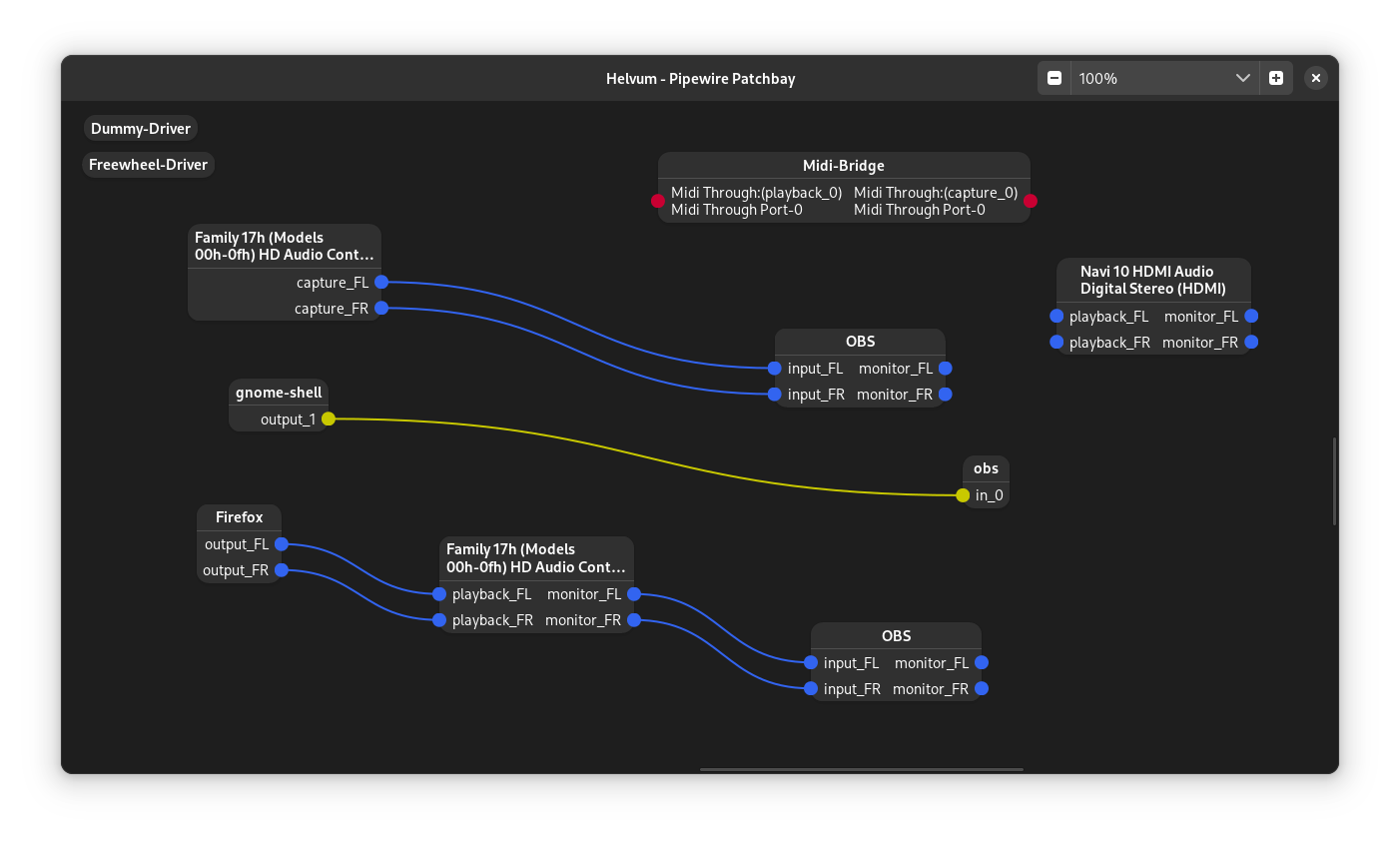


Features planned
- Volume control
- "Debug mode" that lets you view advanced information for nodes and ports
More suggestions are welcome!
Building
Via flatpak
If you don't have the flathub repo in your remote-list for flatpak you will need to add that first:
$ flatpak remote-add --if-not-exists flathub https://flathub.org/repo/flathub.flatpakrepo
Then install the required flatpak platform and SDK, if you dont have them already:
$ flatpak install org.gnome.{Platform,Sdk}//50 org.freedesktop.Sdk.Extension.rust-stable//25.08 org.freedesktop.Sdk.Extension.llvm22//25.08
To compile and install as a flatpak, clone the project, change to the project directory, and run:
$ flatpak-builder --install flatpak-build/ build-aux/org.pipewire.Helvum.json
You can then run the app via
$ flatpak run org.pipewire.Helvum
Manually
For compilation, you will need:
- Meson (>= 1.9.0)
- Rust Toolchain (>= 1.94.0)
- GTK4 (>= 4.22.0) development packages
- libadwaita-1 (>= 1.9.0) development packages
- libpipewire-0.3 (>= 1.6.0) development packages and their dependencies
To compile and install, run
$ meson setup build && cd build
$ meson compile
$ meson install
in the repository root.
This will install the compiled project files into /usr/local.
License and Credits
Helvum is distributed under the terms of the GPL3 license. See LICENSE for more information.
Parts of the build system were taken from the gtk-rust-template project, which is provided under the terms of the MIT license.